Add Secret Vault
Secret Vaults lets you store and securly provide Privilege Secure users with access to credentials and files.
Step 1 – Navigate to the Policy > Resources page.
Step 2 – Click the + Add button and select New Secret Vault from the dropdown list.
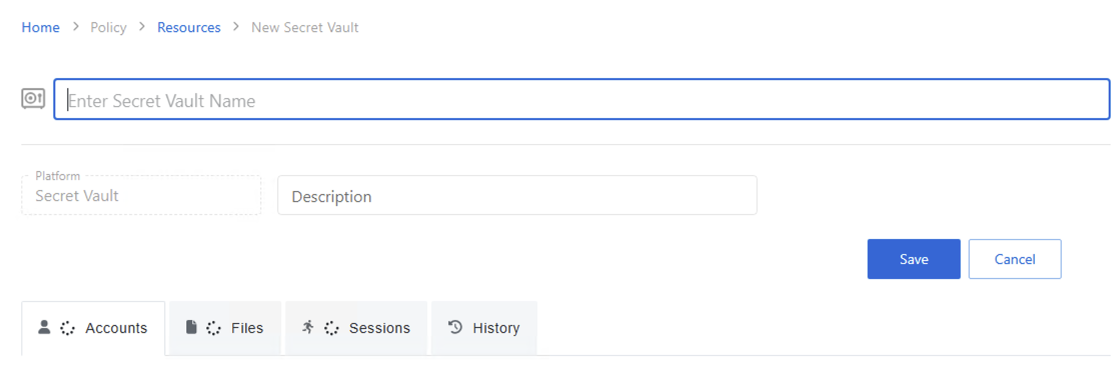
Step 3 – Enter the following information:
- New Secret Vault Name — Name of the new secret vault
- Description (optional) —Description of the policy
Step 4 – Click Save.
Next, add credentials and/or files to the vault. See Secrets Vault Details page.
For information on allowing users access to the credentials and files in the vault, see Access Policy and create an Access Policy that is Credential based. Then see Credential-based Access Policy