Automated Search Clean Up Considerations
This list describes some of the special cases encountered when using the Automated Search Clean Up tool
- When an archived search contains Date filters, you must have the same date format preference as the Company’s date preference to accurately restore the filter.
- SuiteScript can't delete Pricing searches. Pricing searches aren't displayed in the Clean Up preview and are excluded from the Automated Search Clean Up.
- Private searches with a Period filter can't be deleted. SuiteScript returns an Unexpected Error when trying to temporarily set the search as public to delete it.
- Searches with Period filter can't be fully restored. Only public searches can be deleted for searches with Period filter.
Limitations to Restoring Auto Archived Searches
Items from the Criteria and Results tabs are restored with the exception of Public searches with the Period filter. Auto archiving doesn't occur with Private searches with the Period filter, as they can't be deleted or archived.
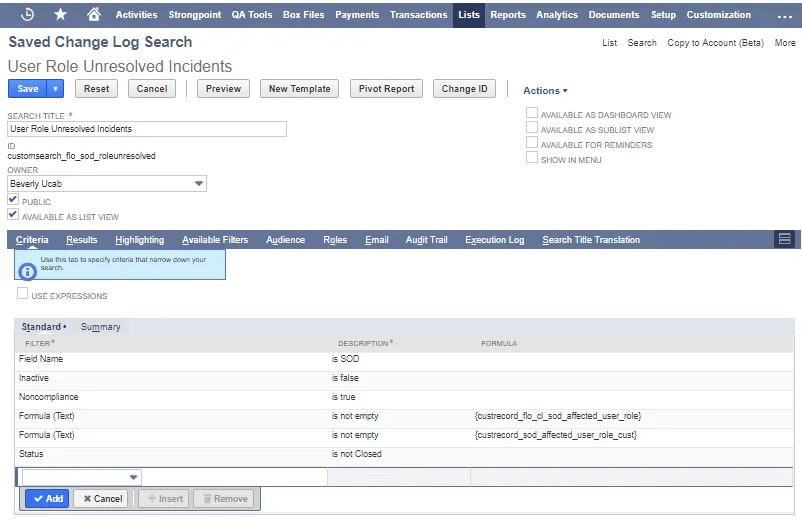
The following check boxes on the Search form aren't restored if they were checked:
- Available as List View
- Available as Dashboard View
- Available as SubList View
- Available for Reminders
- Show in Menu
Items from the following tabs on the Search form aren't retained when an auto archived search is restored:
- Highlighting
- Available Filters
- Audience
- Audit Trail: the restored search is assigned a new Internal ID. The audit trail only contains entries for the new Internal ID.