Organize Your Passwords
Add a Team Tab
The tab system is used to structure all your passwords: Tabs help you to make them easier to manage and find. You can create several tabs and switch between them within one click.
To add a team tab:
Step 1 – Click the Plus sign. A form opens.

Step 2 – You can now search for a specific organizational unit by clicking on the tree on the left or use the search field to find the unit you need.

Step 3 – Click OK to close the form. Your new team tab opens automatically.
Search with Tags
With a growing number of managed passwords, it becomes even more important to maintain a structure and overview. Therefore, Netwrix Password Secure works with tags instead of a folder system: You can assign any number of tags to your passwords to categorize and find them again quickly.
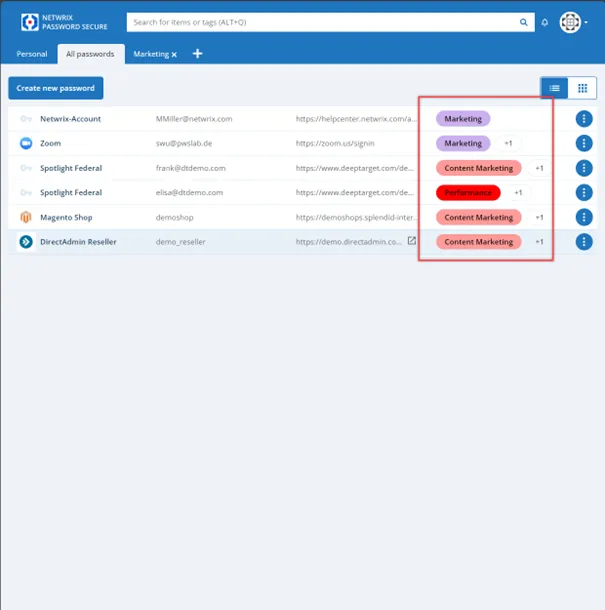
To find a password, use the search field and enter a tag like the department or position you are in (i.e., “Marketing”). Netwrix Password Secure searches for tags and also for “Marketing” in all Netwrix Password Secure fields (i.e., Content Marketing).
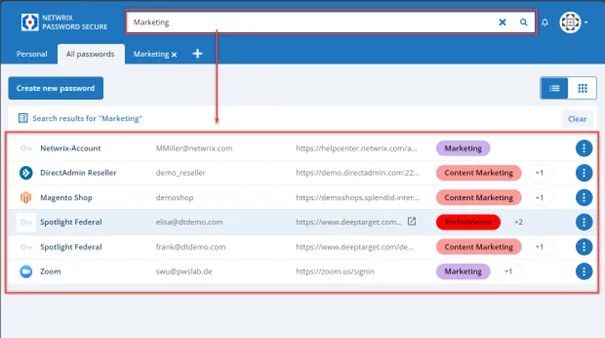
Optimize your search results by using the minus sign (-) to exclude terms: Only results in which this word doesn't appear are displayed (i.e., all social media accounts that are used outside of marketing = "-social media marketing").
Choose Your View
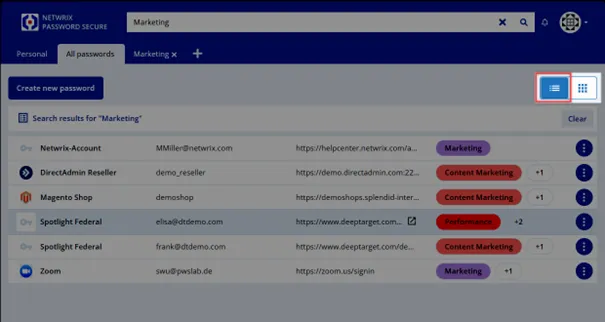
Netwrix Password Secure offers two different views - the list and tile view. Just switch the button on the upper right to change views.
List View
The following screenshot shows the list view.

Tile View
The following screenshot shows the tile view.
When in tile view, you can also drag and drop the buttons on another position. By hovering over them with the mouse, you see additional information like the username, and you can log in with one click.
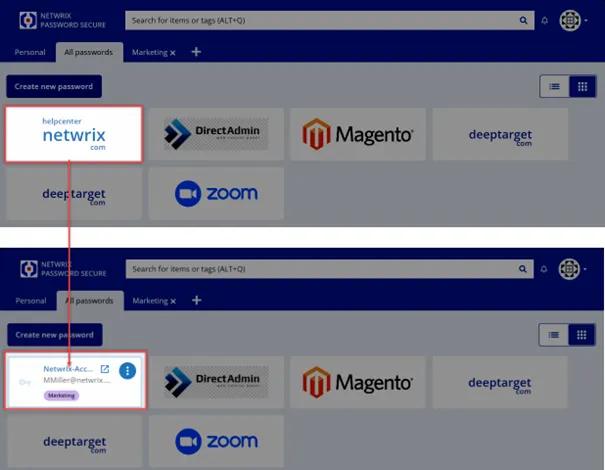
The list view is suitable for many data sets while the tile view is particularly favorable for the most frequently used secrets.
RECOMMENDED: Use the list view for all shared secrets and the tile view for personal accounts.