Settings
The settings are opened via the Navigation bar. The following options are available:
Language
You can select German or English here by clicking on them. The change is made immediately and doesn't require you to restart the browser.
Extras
Seal management
Here you have the possibility to manage templates for seals.
Tag management
The tag management lets you manage the tags.
Image management
With the image management, you can manage your icons and logos.
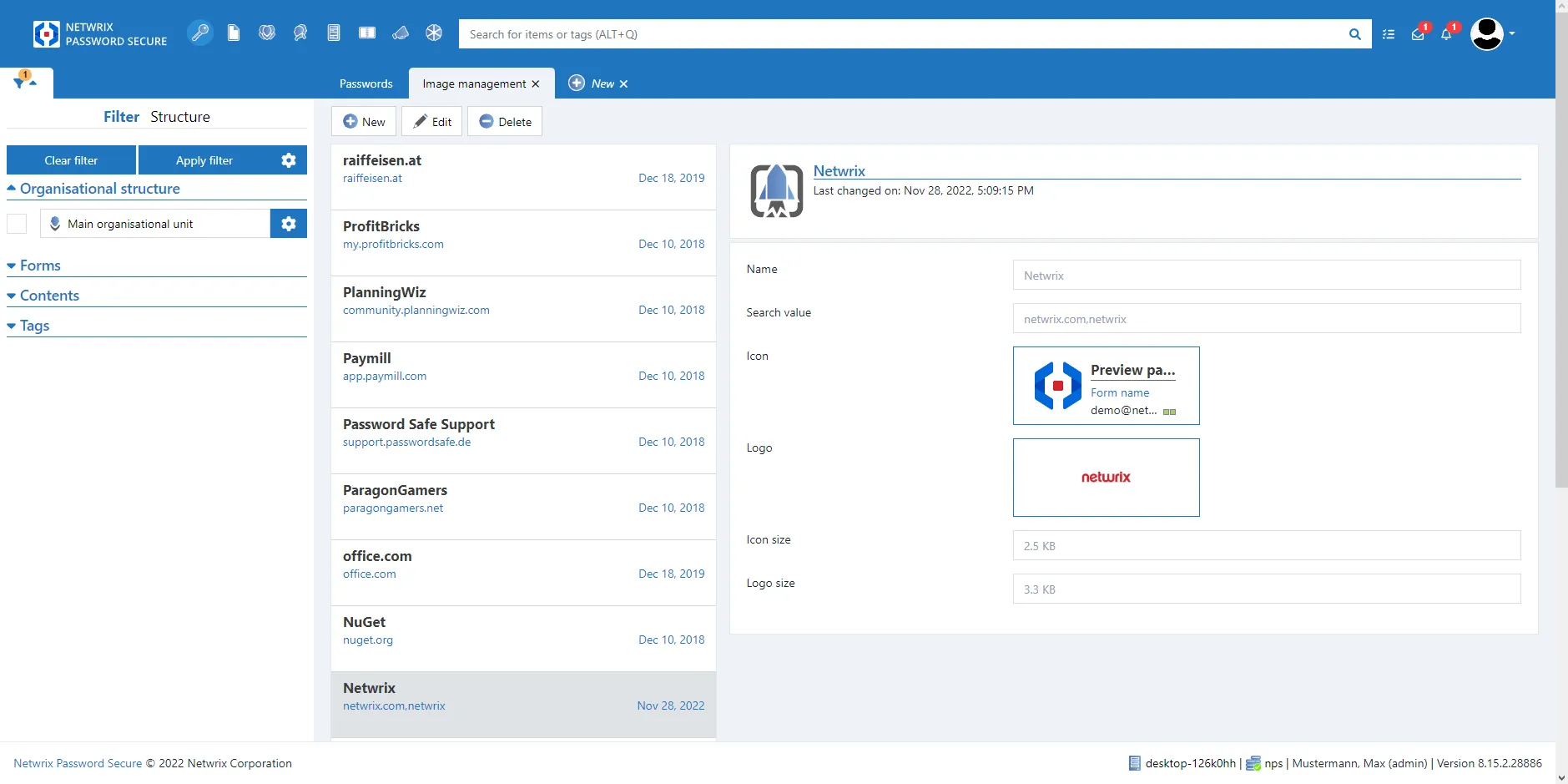
Adding icons and logos
By clicking on the New button, the input mask will open.
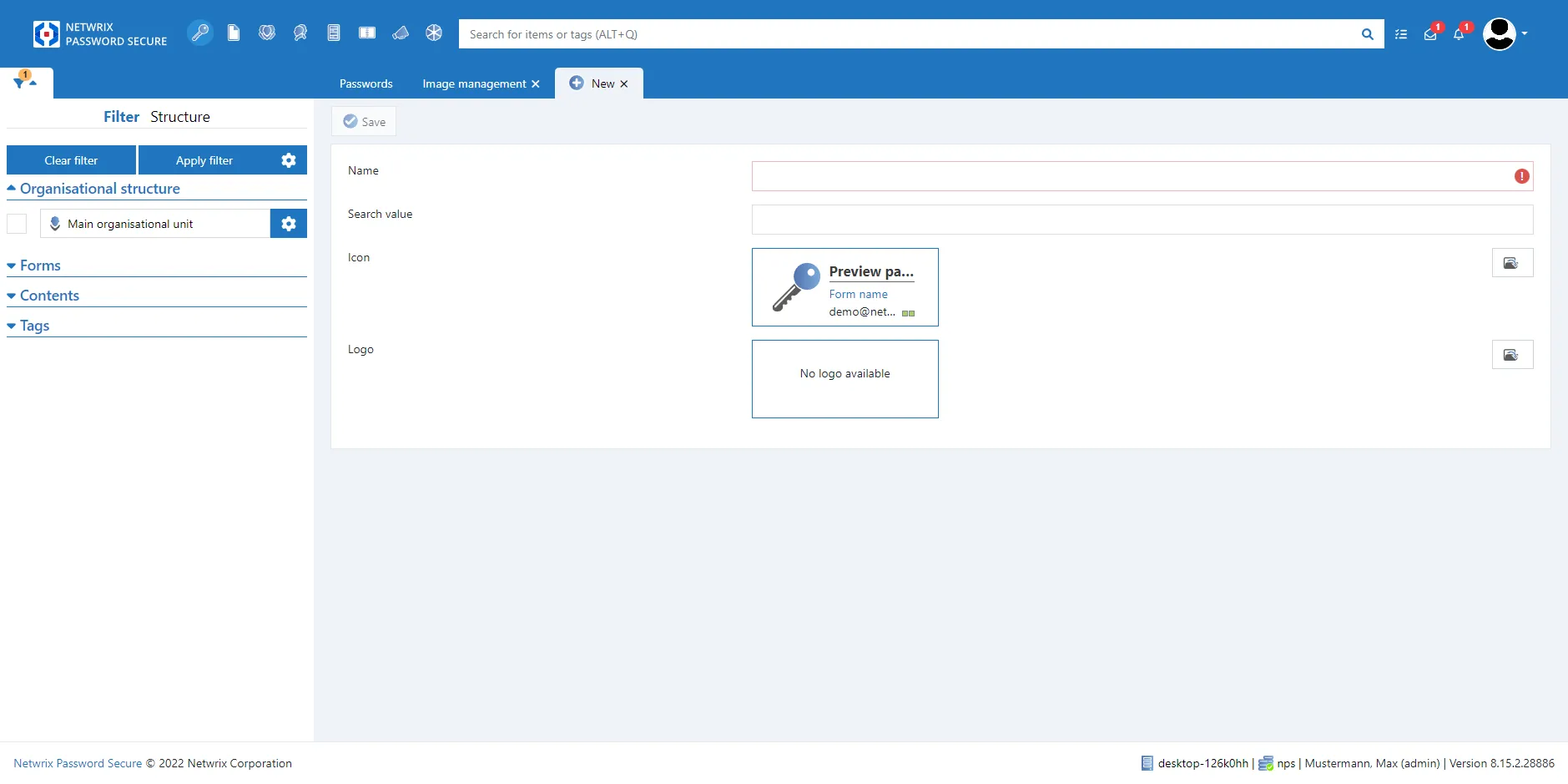
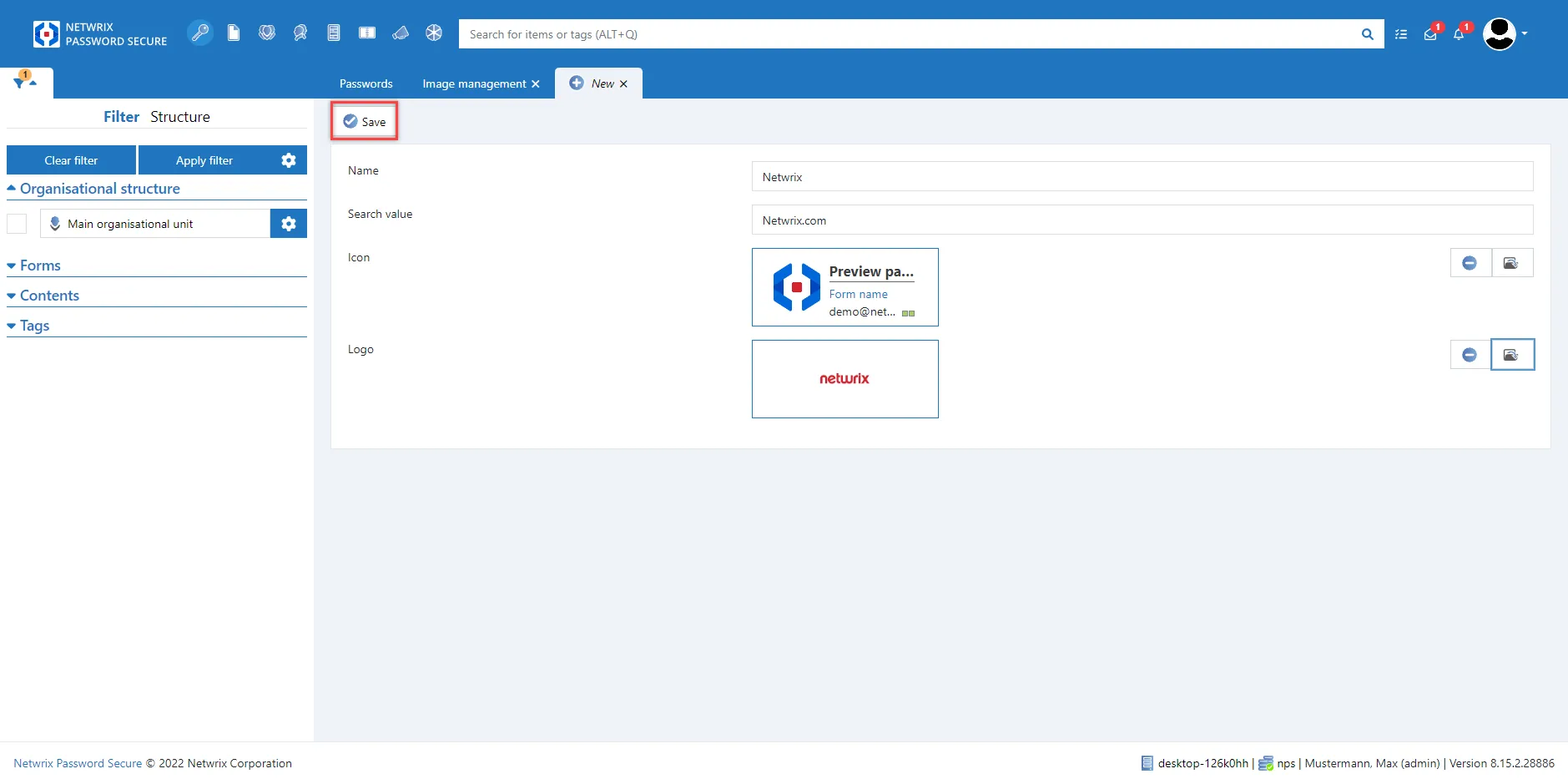
After filling in and uploading the icon/logo, the process only needs to be saved.
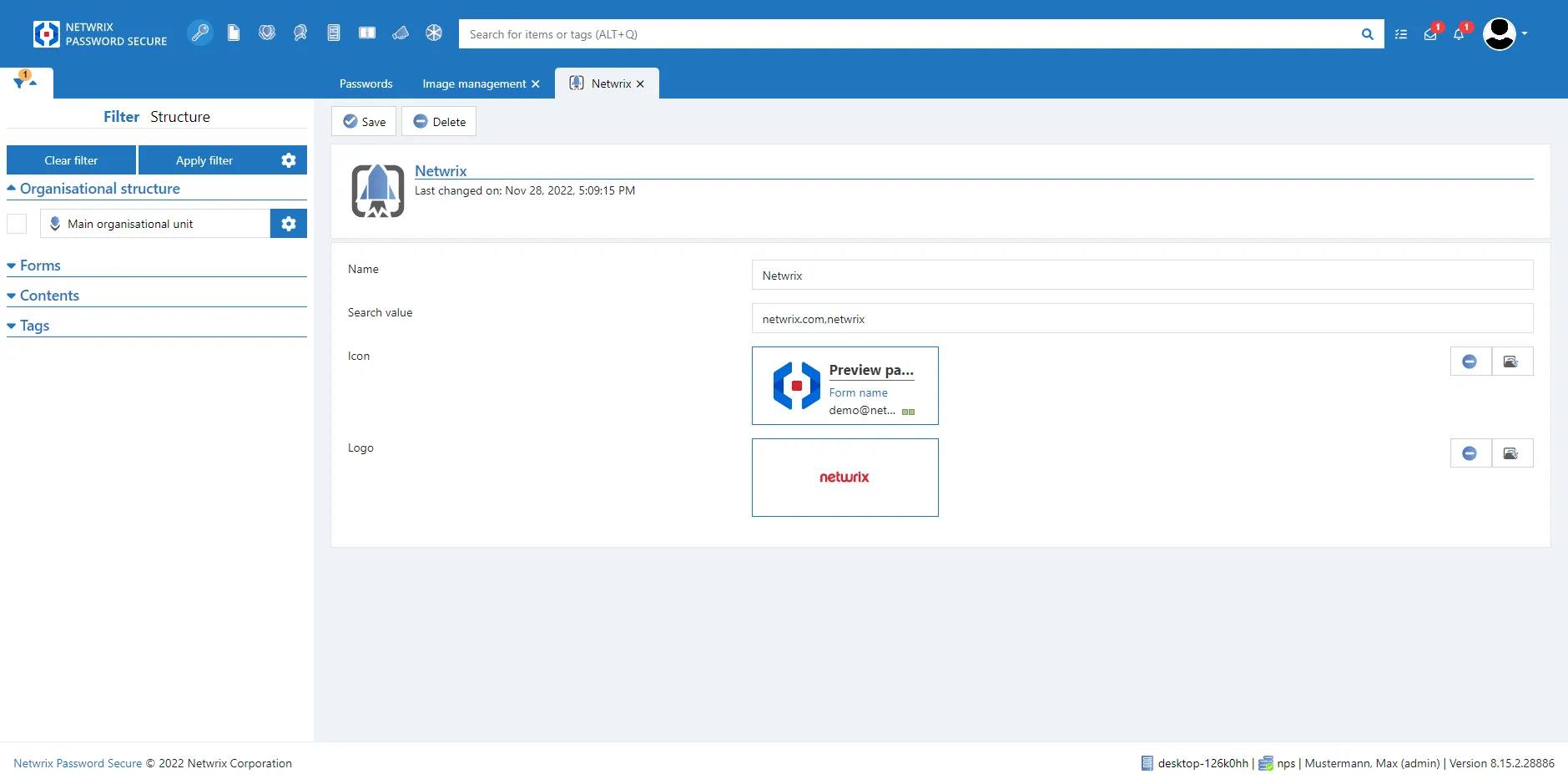
Edit / Delete icons and logos
If an icon and/or logo is outdated, you can edit or even delete the stored icons/logos.
Settings
The following options can be managed via this menu item:
- Global user rights
- Global settings
- User settings
The management of these settings is based on the client. Further information can be found under global User rights and User settings
The following settings aren't available on the Web Application:
- Customizable window caption
- Permitted document extensions
- Clipboard gallery
- Category: Proxy
Account
Here you can change the password of the logged in user.