Install the server components
The Password Policy Enforcer (PPE) server installer includes the following components:
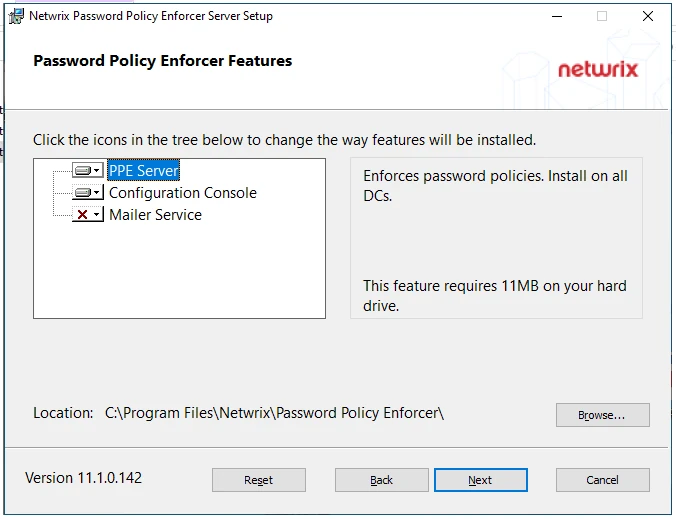
- Password Policy Server (PPS) — also known as the PPE Service for DCs. You typically install this component on all the domain controllers in a domain. See Domain and Local Policies if your domain includes read-only domain controllers, or if you intend to enforce password policies for local user accounts.
- Configuration Console — Graphical and command-line tools to configure PPE. Install this component on any computer that you want to configure PPE from. This could be a domain controller, a management server, or your computer.
- Mailer Service — Sends email on behalf of PPE. You typically install it on one server in the domain.
The introduction has more information about these components, including their system requirements.
Manual installation
To manually install one or more server components:
-
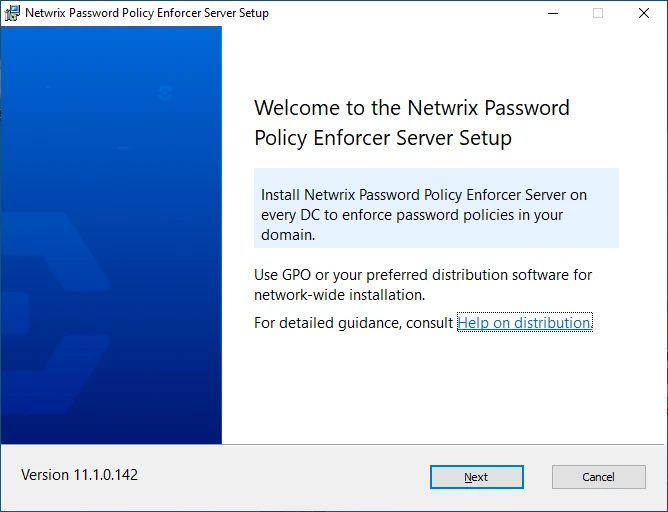
Run Netwrix_PPE_Server_11.2.0.148_x64.msi. The Setup wizard opens.
-
Click Next.
-
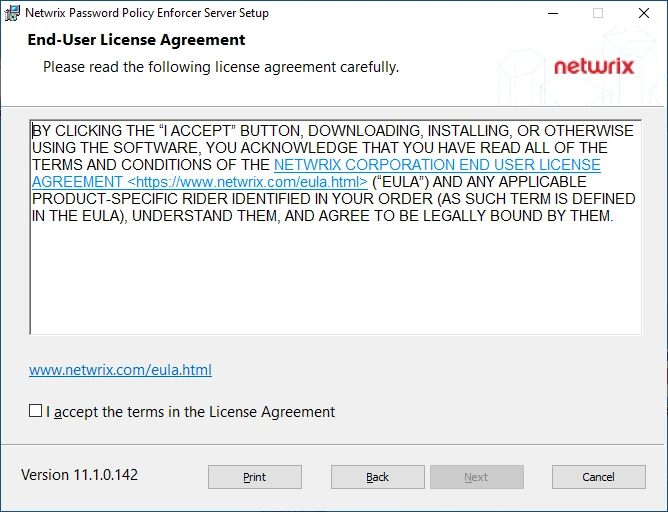
Review the End-User License Agreement, select the checkbox to accept the Agreement, then click Next.
-
Select one or more components to install, then click Next.
-
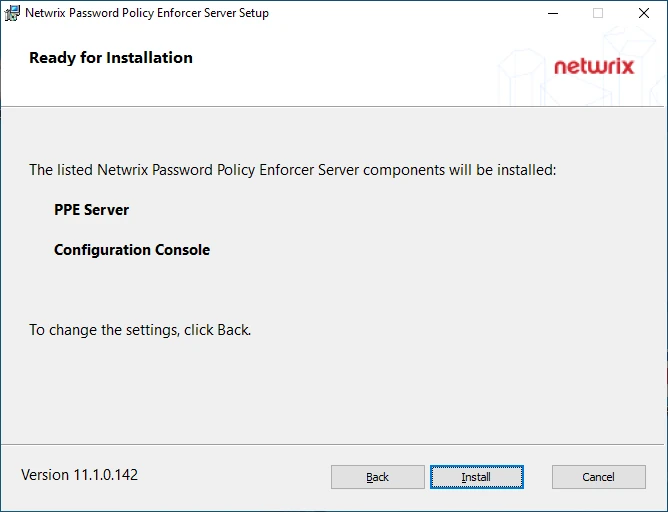
Review your selections, then click Install.
-
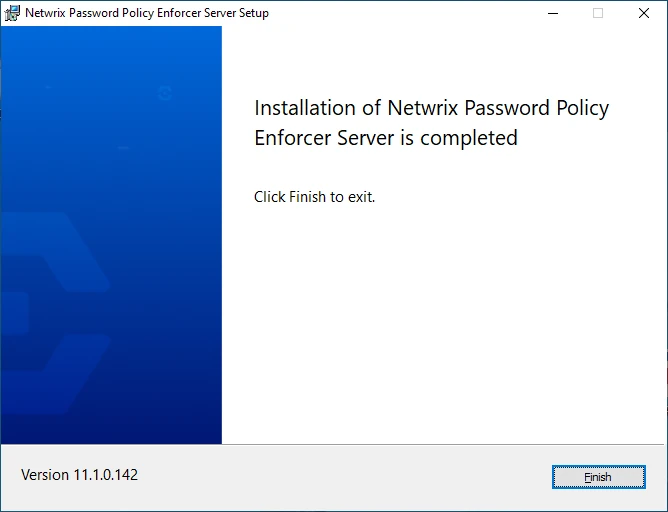
Click Finish when installation is complete. If prompted to restart the computer, then restart before using the installed components.
Automated deployment
If you have many domain controllers, use a software deployment tool or Group Policy to automate the deployment. You can also run msiexec to install from the command line. For example, run this command with elevated permissions to silently install only the PPS component and immediately restart the computer:
msiexec /i Netwrix_PPE_Server_11.2.0.148_x64.msi ADDLOCAL=FeatureServerPPE /q
The ADDLOCAL argument tells msiexec which components to install. ADDLOCAL=FeatureServerPPE,FeatureConsole,FeaturePPEMailerServer installs all the server components.
Add an exclusion for %ProgramFiles%\Netwrix\Password Policy Enforcer\PPE.DLL to exclude PPE from antivirus or other security software. This is optional.
Uninstalling
You can uninstall, repair, or change the installed server components from the Installed apps page in Windows Settings, or the Uninstall or change a program page in Control Panel. You can also run msiexec to uninstall from the command line. For example, run this command with elevated permissions to silently uninstall all the PPE server components without restarting the computer:
msiexec /x Netwrix_PPE_Server_11.2.0.148_x64.msi /q /norestart
Use the REMOVE argument to remove individual components. For example, REMOVE=FeaturePPEMailerServer