Compromised rule
The Compromised rule rejects passwords found in data breaches. Blocking these passwords reduces the risk of a successful credential stuffing attack.
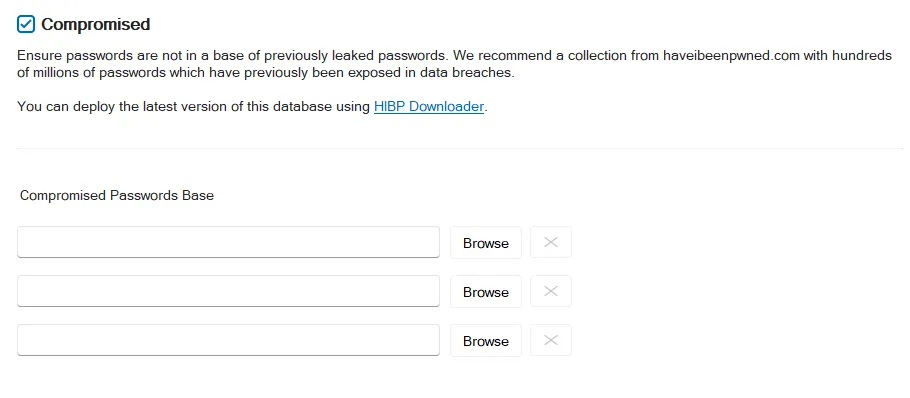
Select the Compromised checkbox to enable the Compromised rule.
Password Policy Enforcer (PPE) uses data from the Have I Been Pwned service to identify compromised passwords. PPE creates a local copy of the database for better performance, and to ensure that no password information leaves your network. Click HIBP Downloader to open the database downloader. The HIBP Updater page explains how to configure and use the database downloader. You must download the database before you can use the Compromised rule.
After you download the database, click Browse to select the database folder. You can also enter a path into the text box. Paths can include environment variables like %ProgramFiles%. You can configure the Compromised rule to use up to three databases if you have other compatible data sources.