Netwrix Customer Portal Access
To register for a Netwrix Customer Portal account, complete the following steps:
-
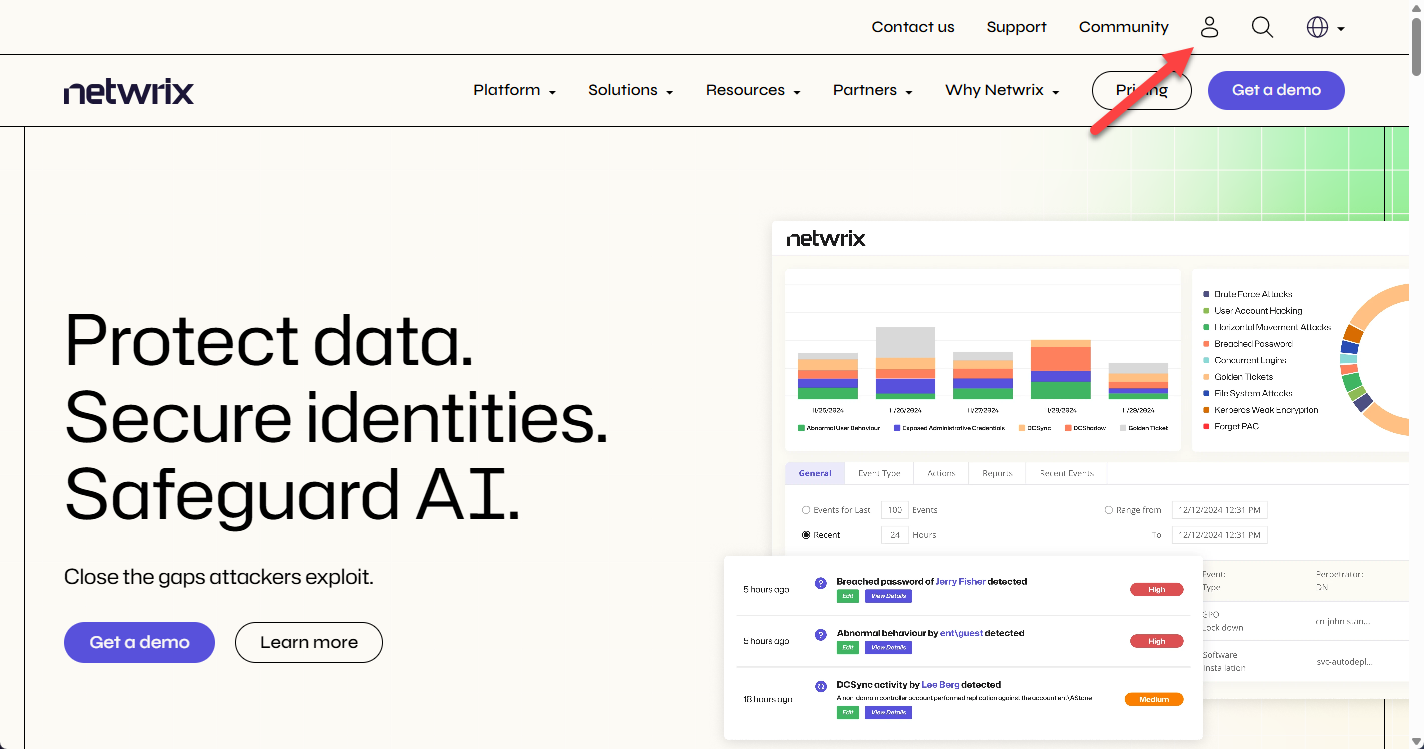
Navigate to the Netwrix website.
-
In the upper-right corner, click the user icon. This opens the Sign In page in another tab.
-
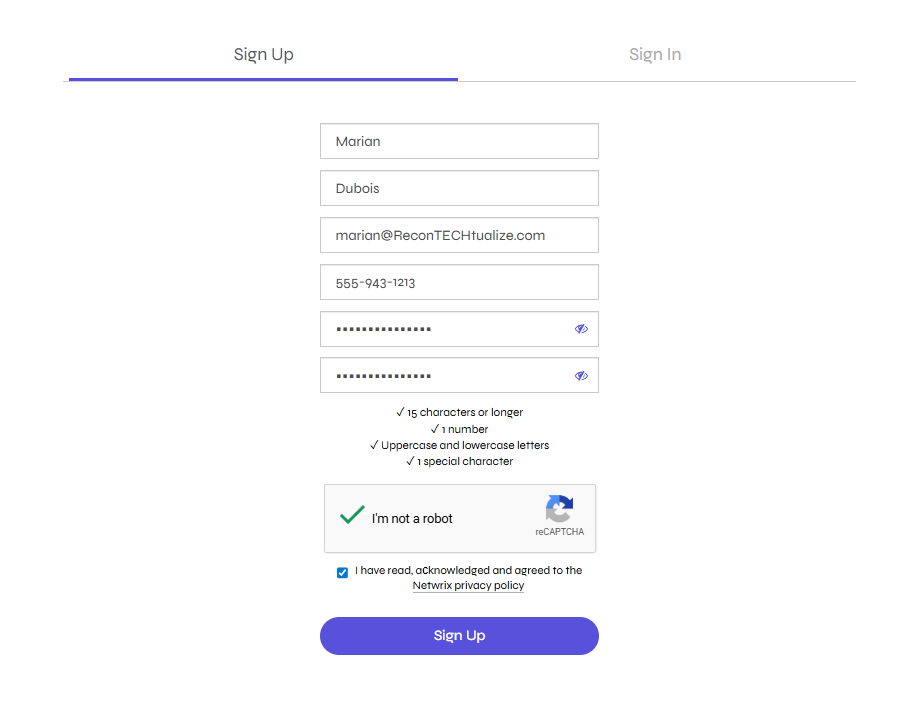
Select the Sign Up tab and provide the following details:
- First Name – Enter your first name
- Last Name – Enter your last name
- Business Email – Enter your corporate email address
- This should be an email address that Netwrix already has on file.
- Direct Phone – Enter your corporate phone number
- Password – Enter a password that meets the following requirements:
- At least 15 characters
- At least one number
- At least one uppercase letter
- At least one lowercase letter
- At least one special character
- Confirm Password – Renter the password
-
Check the I'm not a robot box.
-
Read the Netwrix Privacy Policy and then accept it by checking the box.
-
Click Sign Up.
-
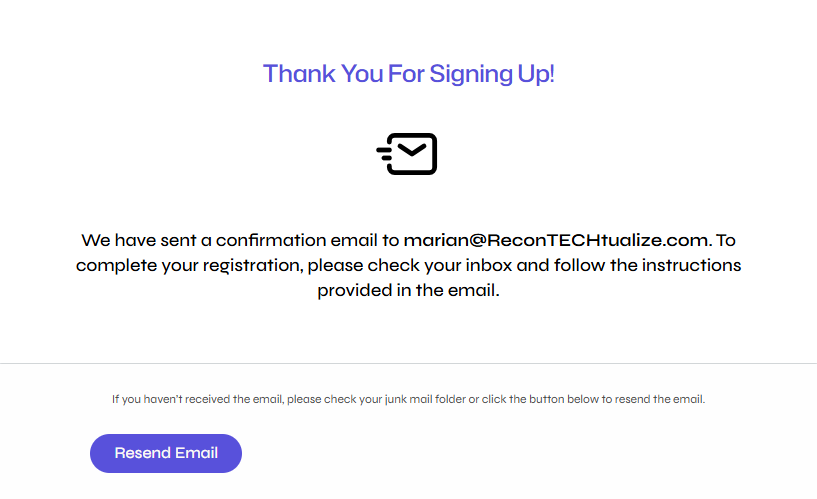
After registering, you will receive an email to activate your account. If you don't receive this email, click the Resend Activation link in the browser.
Keep this browser page open until you receive the activation email.
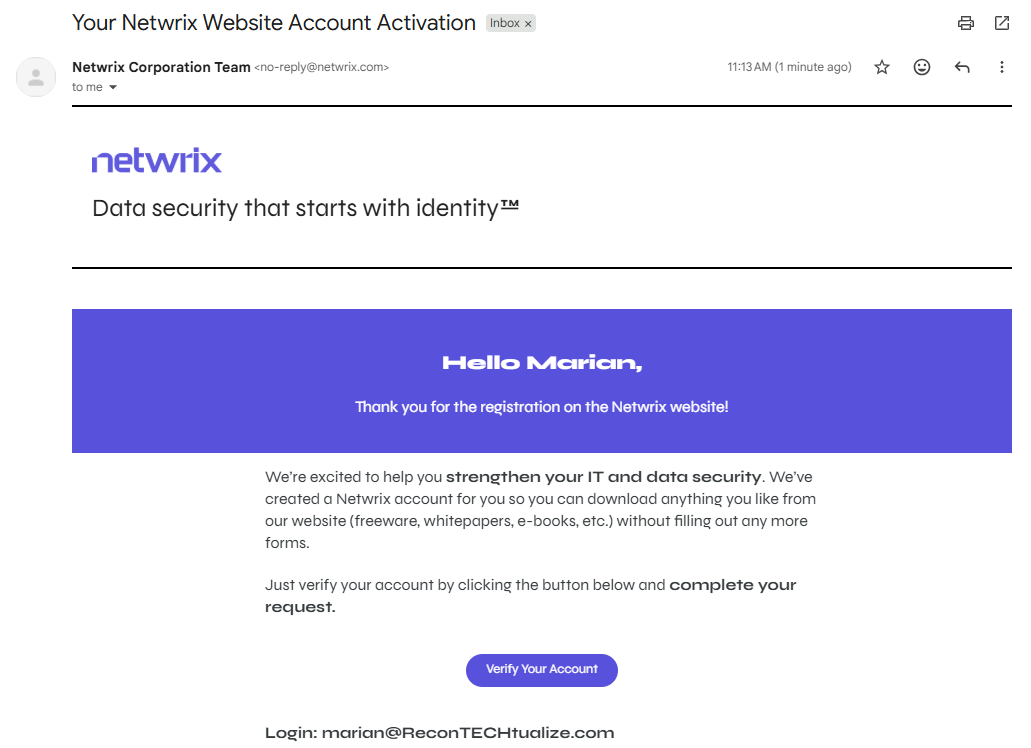
- Open the email and click the Verify Your Account link.
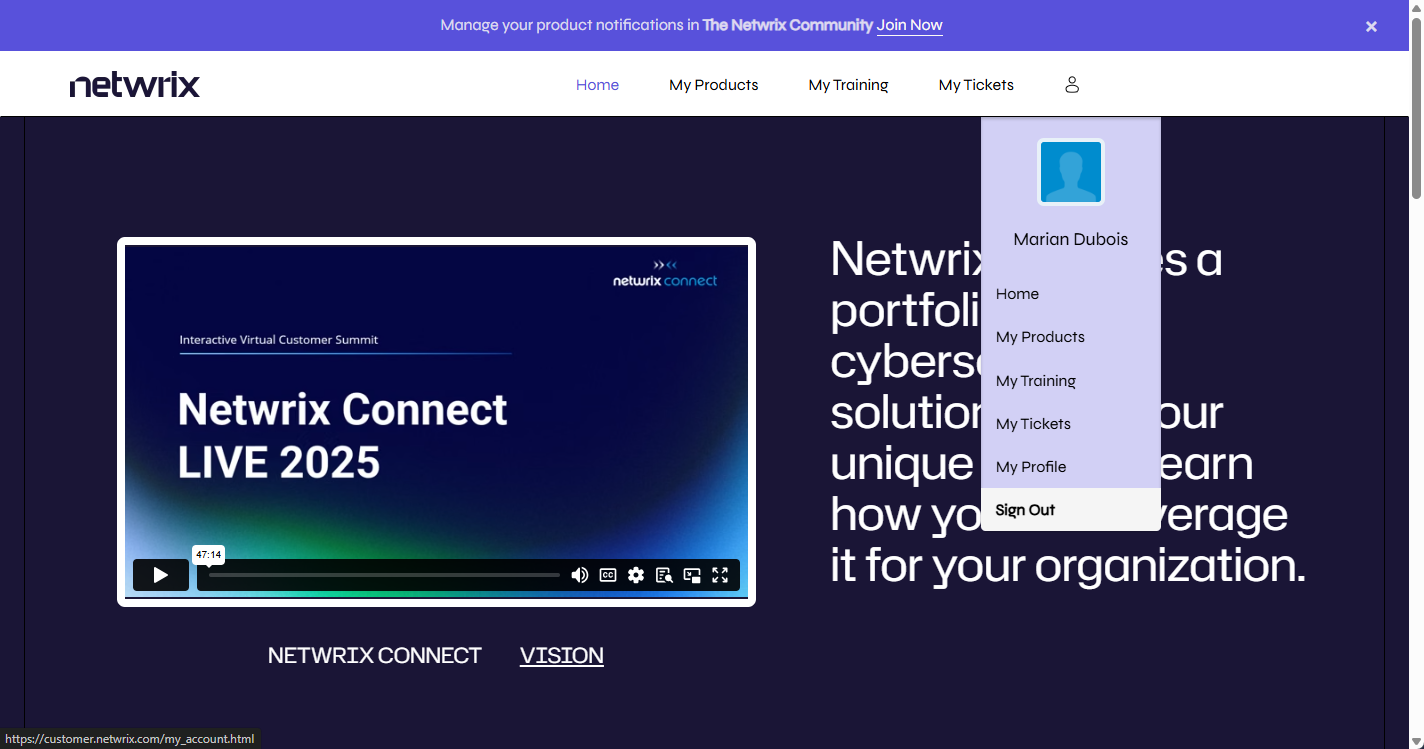
- The portal activates your account and redirects you to the Ready to use page. Click the Sign In link and enter the email address and password you provided during sign-up to access the Netwrix Customer Portal.
From the Netwrix Customer Portal, you can return to the main Netwrix website by clicking the logo in the upper-left corner. Then you can access the Netwrix Customer Portal through the user icon.
Troubleshooting Issues in the Netwrix Customer Portal
If you have any trouble with the Netwrix Customer Portal, try the following:
- Ensure you verified your email by clicking the Verify Your Account link in the email you received when you registered for the account
- Contact your Account Manager to confirm Netwrix has the corporate email address you used to register on file
- Clear your browser cache
If you continue to have issues with the Netwrix Customer Portal, email customer.portal@netwrix.com for assistance.