Manage Organizations
Netwrix 1Secure operates as a service, providing data analysis and reporting capabilities for the organizations (tenants) or company departments/RO/BOs. Organization management pages are available to the authorized administrators of a company or Managed Service Provider on the Configuration page.
The topics in this section provide information for: adding your organization, adding users, adding data source, and other configurations for the Managed Service Provider.
After logging in, Managed Service Providers (MSP) need to configure their organization. The Organization is the name of the company you use to log in. See the First Log In to 1Secure topic for additional information.
In the system, there are parent tenants and child tenants. Parent tenant or Managing Organization is the MSP you log in with. The MSP or parent tenant may have many clients or child tenants (Managed Organization), which you can review and add on the Managed Organization page.
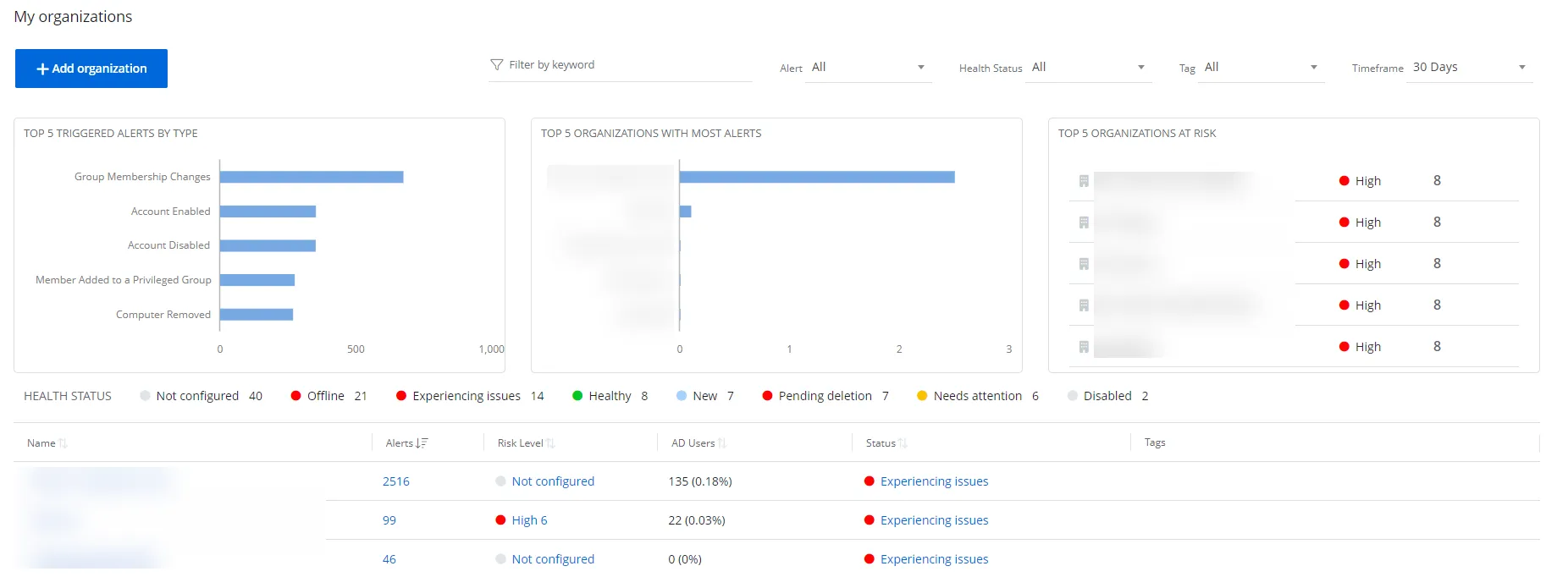
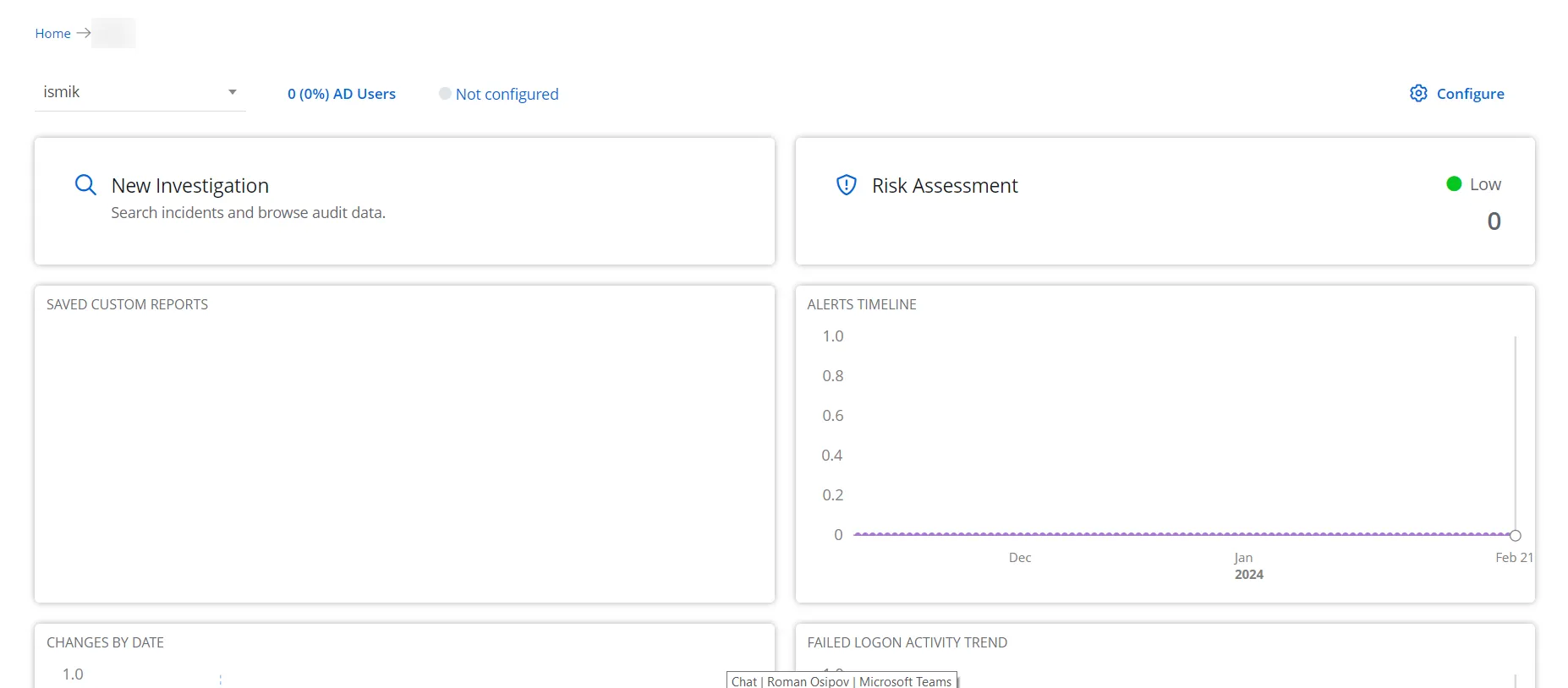
The following shows the home pages of:
- Managing Organization
- Managed Organization
See the following topics for additional information: